AnyToSpeech
将 PPT/PPTX 演示文稿转换为支持 300+ 音色与 30+ 语种的生动播客。
AI办公免费试用 (Free tier: 1 monthly 2-minute audio demo. Paid tiers support 5/10/20 minute episodes.)2026-10-28
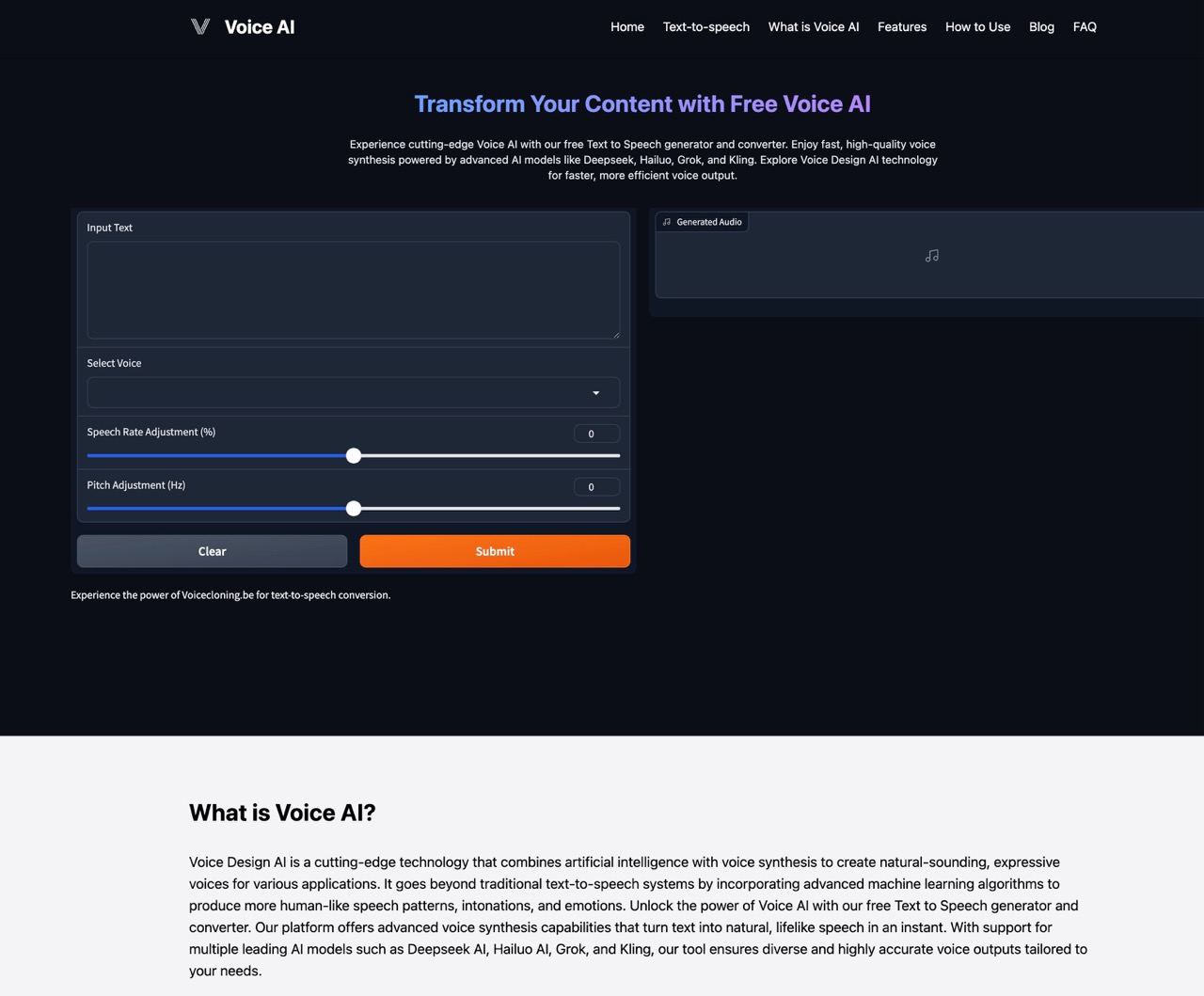
产品介绍
AnyToSpeech 是一款企业级 PPT 转播客工具,支持高达 50MB 的 PPTX 文件,拥有 300 余种逼真音色与双人播客自动分镜脚本。
标签:#PPT to Podcast#Presentation Audio#Voice AI#Multilingual
核心功能亮点
50MB PPTX Upload Capacity
Handles heavy slide decks with embedded graphics
300+ Voice Library
Expansive choice of global accents and emotional timbres
30+ Language Synthesis
Multi-lingual voice output with natural pronunciation
Flexible Duration Targets
Export 2, 5, 10, or 20-minute structured episodes
快速上手 3 步指南
01
1
Upload Deck
Upload your .pptx presentation file up to 50MB.
02
2
Pick Voices
Select preferred host voices and target language.
03
3
Set Duration
Choose desired podcast duration and audience tone.
04
4
Export MP3
Download complete MP3 file with chapters.
计费与定价模式
免费试用
Free tier: 1 monthly 2-minute audio demo. Paid tiers support 5/10/20 minute episodes.
* 实际产品权益与计费规则以官方页面最新条款为准。
AnyToSpeech 常见问题解答 (FAQ)
Yes, .pptx and .ppt formats up to 50MB are supported.
VSComparing tools or planning to switch? Check our independently verified AI Alternatives Guides & Comparison Matrices
Browse 2026 Alternatives →